# CodeWords UI
### Overview
CodeWords helps you create complete applications with both the frontend and backend.
Describe what you want in a conversation with **Cody, the CodeWords AI assistant**, and Cody generates a working app for you. Every app comes with a **live URL**, works across **desktop** **and** **mobile**, and supports real functionality like **saving data**, **connecting to external services**, **accepting** **payments.**
This page explains the **types of apps you can build with CodeWords**, what’s included out of the box, and how CodeWords compares to other website builders and no-code tools.
### Building process
You start with a conversation. Describe what you want to build, and Cody generates a live preview so you can immediately see your idea take shape. Refine it through quick iterations, adjusting content, layout, design, and features until it matches your vision.
Cody manages the underlying logic, data flow, and processing to keep the build stable and scalable.
The built-in checks help to catch edge cases early.
{% stepper %}
{% step %}
**Start a chat with Cody**
Describe the app idea that you want to build, \
\
**Example**:
{% code overflow="wrap" %}
```
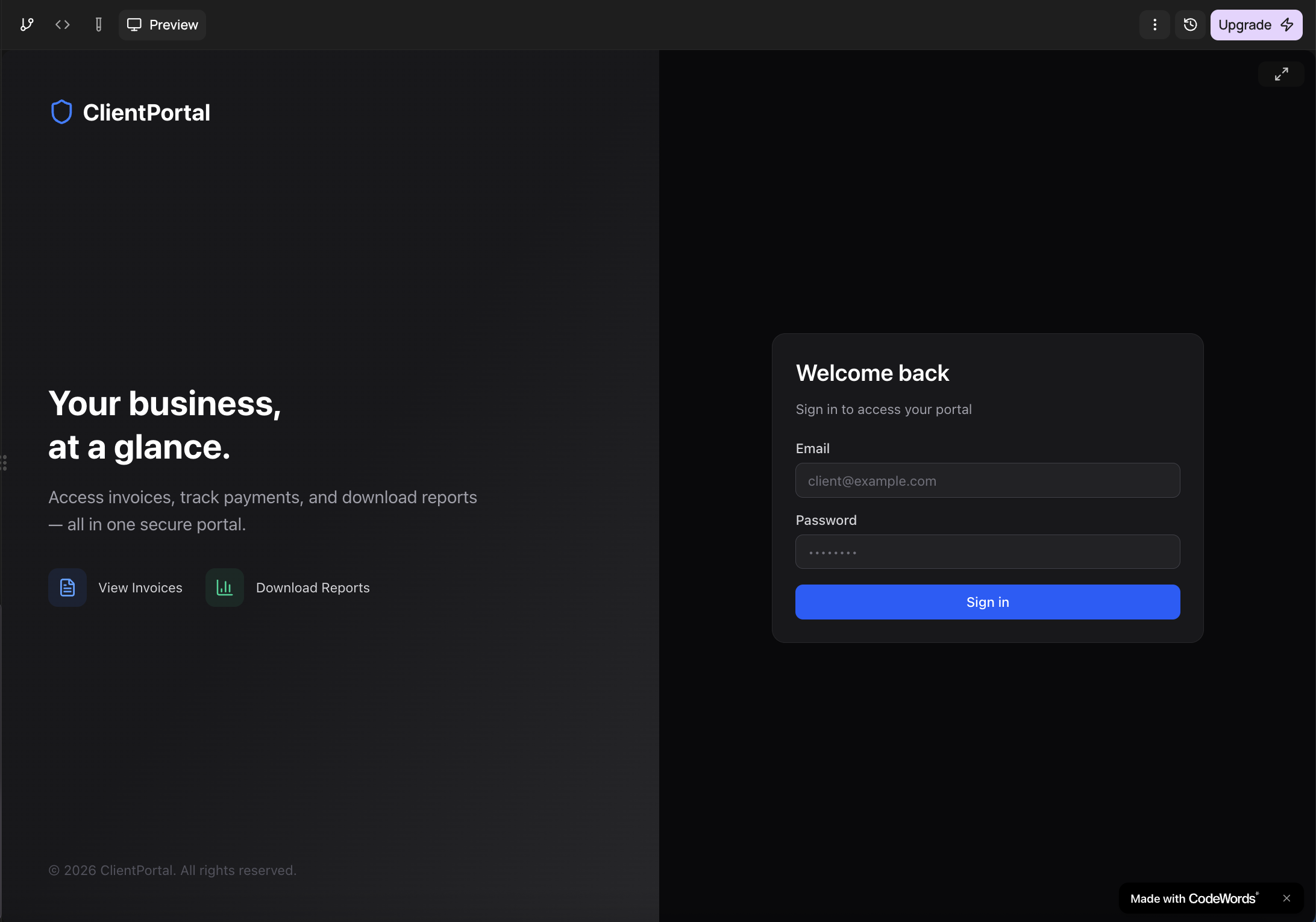
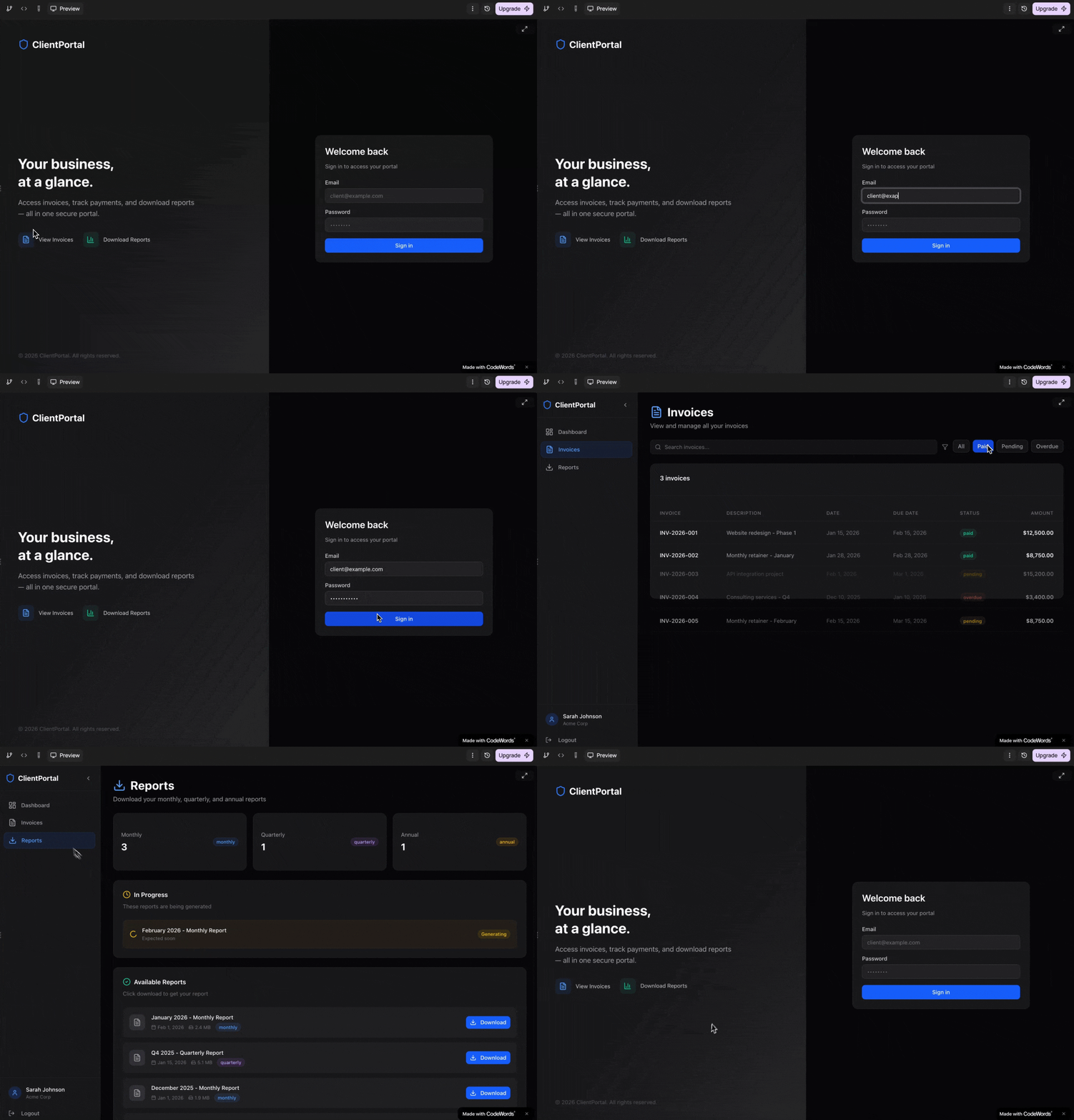
"Build me a client portal where customers can log in, view their invoices, and download reports."
```
{% endcode %}
The more detail you give, the closer the first version will be to what you want — but you can always refine it later.
{% endstep %}
{% step %}
**Cody builds a live preview**
Once the app has been built, you can view it from the preview.
You can click around and test your app right inside the preview — try buttons, fill in forms, and navigate between pages. The preview comes with sample data so you can see how everything looks with real content
If your service needs to save real data or manage user accounts, check the [Database (with Supabase)](https://docs.codewords.ai/building-webapps/database-with-supabase) guide to connect a database."
{% endstep %}
{% step %}
**Refine and iterate**
Your first version won't always be perfect, and that's the point. Tell Cody what to change and the preview updates instantly.
You can adjust anything:
* **Layout and design** — *"Make the header sticky"*, *"Use a darker color scheme"*
* **Content** — *"Change the hero text to…"*, *"Add a FAQ section at the bottom"*
* **Features** — *"Add a search bar"*, *"Let users filter results by date"*
* **New pages** — *"Add a separate pricing page"*, *"Create a settings page"*
Keep going back and forth until the app matches your vision. Each change shows up in the preview right away.
> **Tip:** Be specific. Instead of *"make it look better,"* try *"increase the heading font size and add a gradient background."*
> {% endstep %}
{% step %}
**Go live**
Once you're happy with your build, tell Cody you're ready to launch.
Cody will:
1. Run a final check to make sure everything works
2. Ask you to **choose a name** for your app URL
3. Deploy your app to a live link
Your built will be live at `your-chosen-name.codewords.run` — ready to share with customers, your team, or on social media.\
\
**After launch:** You can always come back and ask Cody to make changes — add features, update content, or connect new integrations. Every update follows the same cycle: describe → preview → go live.
{% endstep %}
{% endstepper %}
### What every app includes
Every CodeWords app comes with a live URL on `your-name.codewords.run` with an option to have a custom domain. The app will be in a mobile-responsive layout, and a library of 50+ pre-built UI components and also include automatic HTTPS encryption and polished social preview cards when someone shares your link.
If you would like to have custom domain for your app, please reach out to .
### Types of projects you can build with CodeWords
With CodeWords, you can build:
* **Business dashboards** that track KPIs, visualize metrics, and pull from live data sources
* **Internal tools** for teams, including admin panels, content queues, project boards, and ops workflows
* **Applications** with user accounts, subscription billing, and third-party integrations
* **Client portals** where customers log in to view and manage their data securely
* **AI-powered tools** that generate content, analyze documents, summarize information, or draft smart replies
* **Landing pages and conversion tools** like lead capture forms, pricing calculators, booking flows, and sign-up pages
If you can describe what you want to build, Cody can create it — no wireframes, technical specs, or prior experience required.
### How CodeWords compares
**Website builders (Wix, Squarespace):**
Traditional website builders are optimized for static pages. CodeWords is built for applications, products that store data, run workflows, manage users, and connect to services.
**No-code platforms (Bubble, Retool):**
No-code tools give you a visual editor, but they still come with a learning curve. With CodeWords, you describe the outcome you want and Cody builds it. There’s no editor to master.
**Hiring a developer:**
Custom development can take weeks, cost thousands, and requires detailed specs. With CodeWords, you can get to a working version in minutes and iterate as often as you need.
**AI code tools (Cursor, Bolt):**
AI code generators still assume you can work with code and handle deployment. CodeWords delivers the full build end-to-end, hosting, updates, and implementation included, so you can stay focused on the product.